
 Image 1 of 4
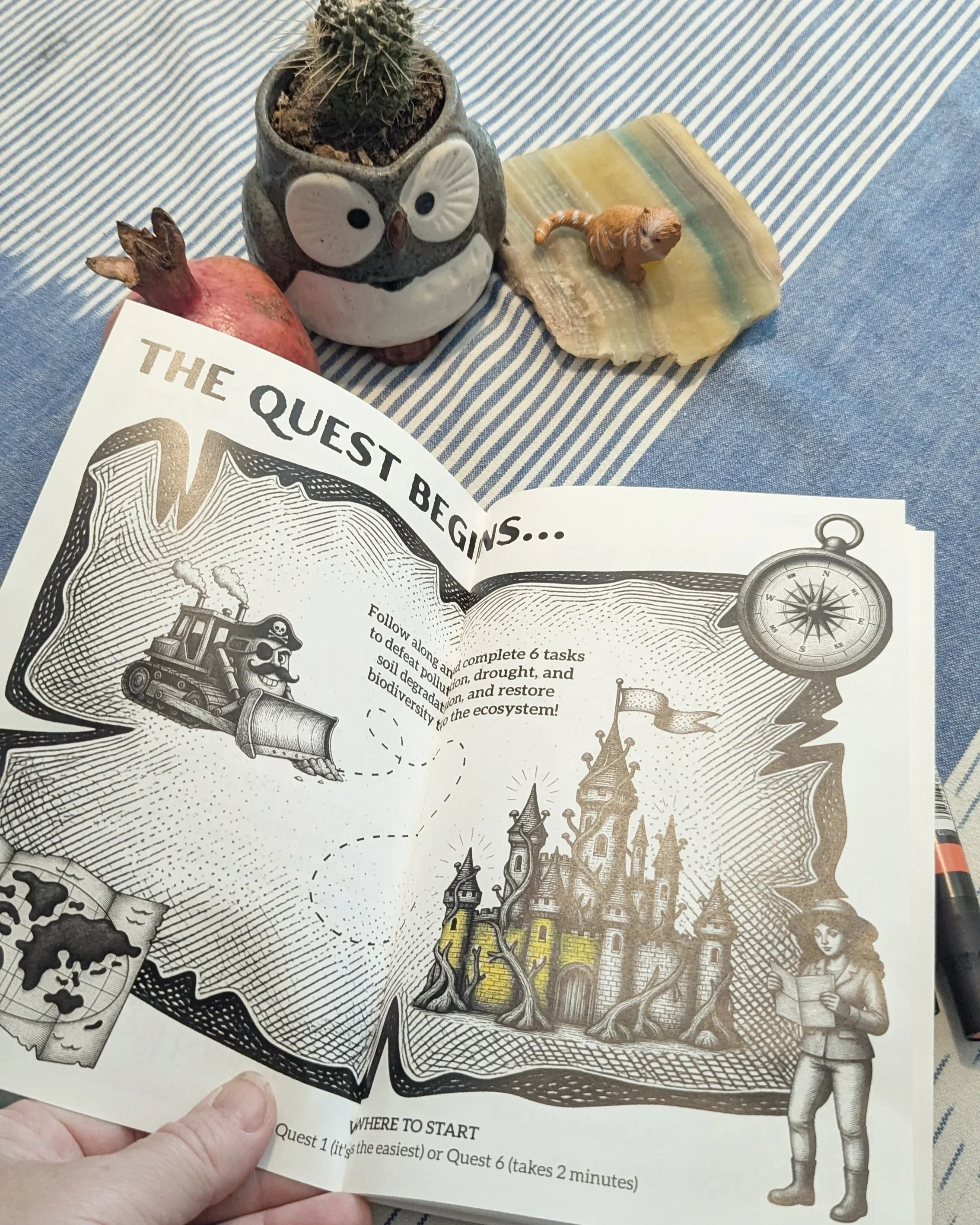 Image 2 of 4
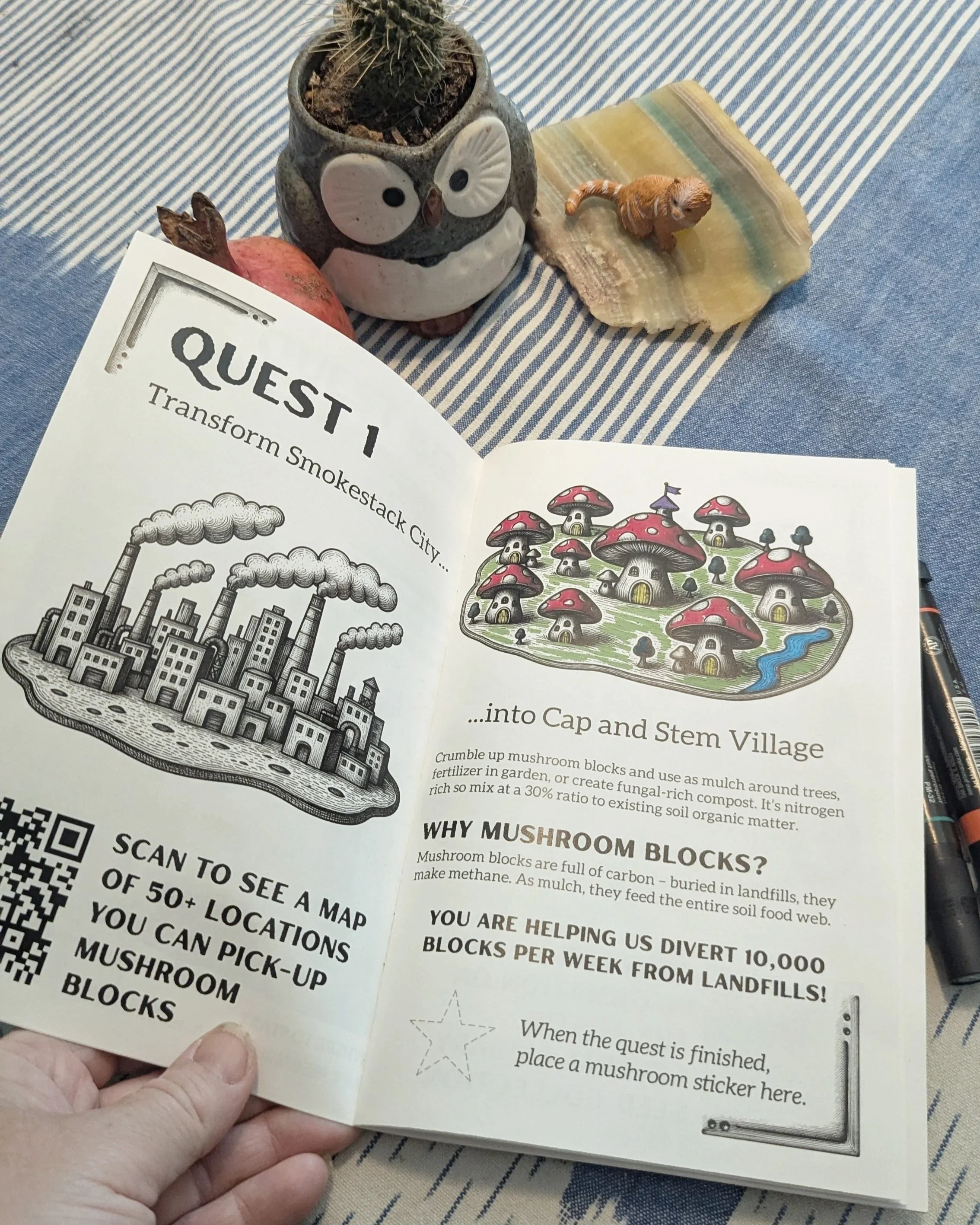 Image 3 of 4
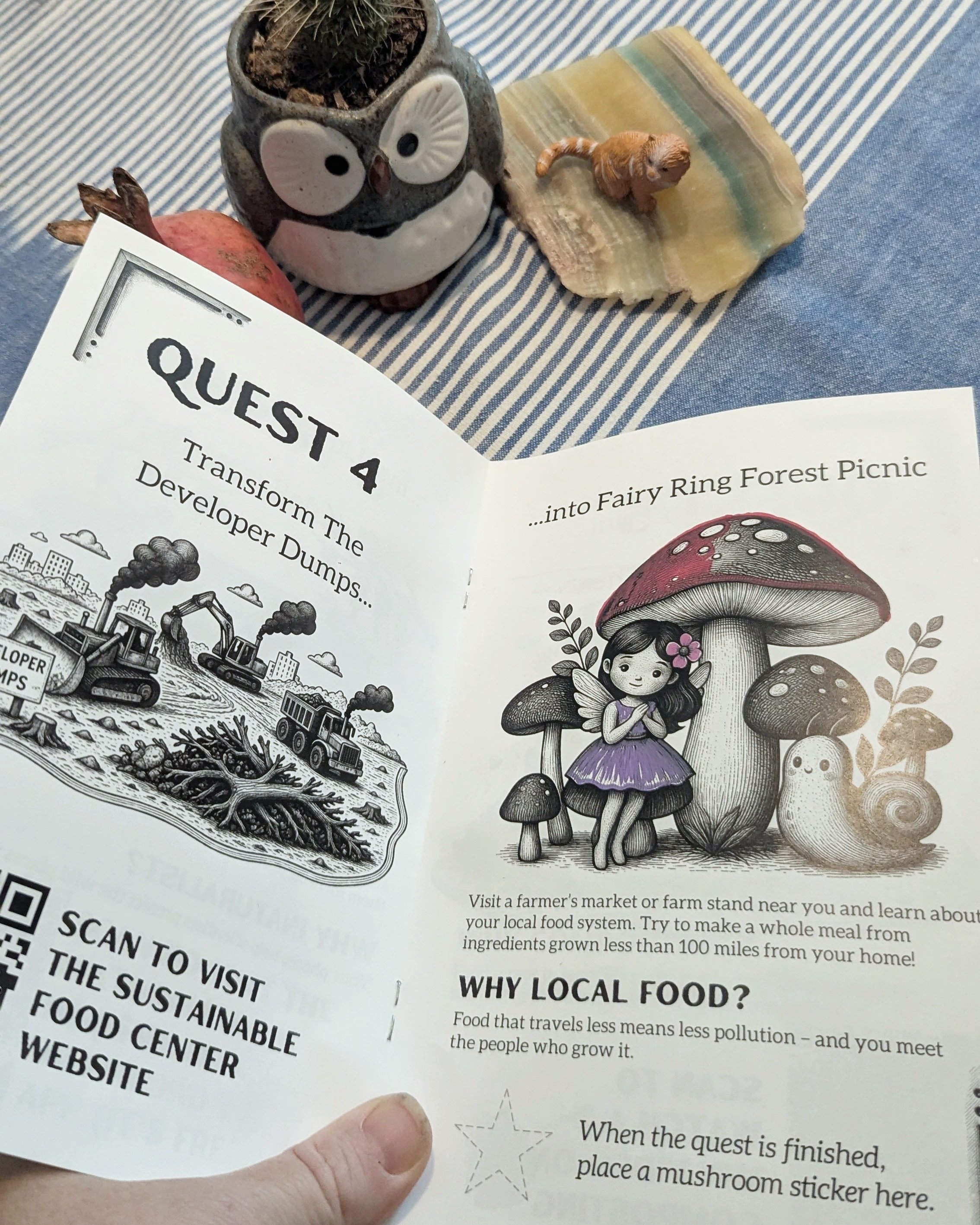 Image 4 of 4
What Is It?
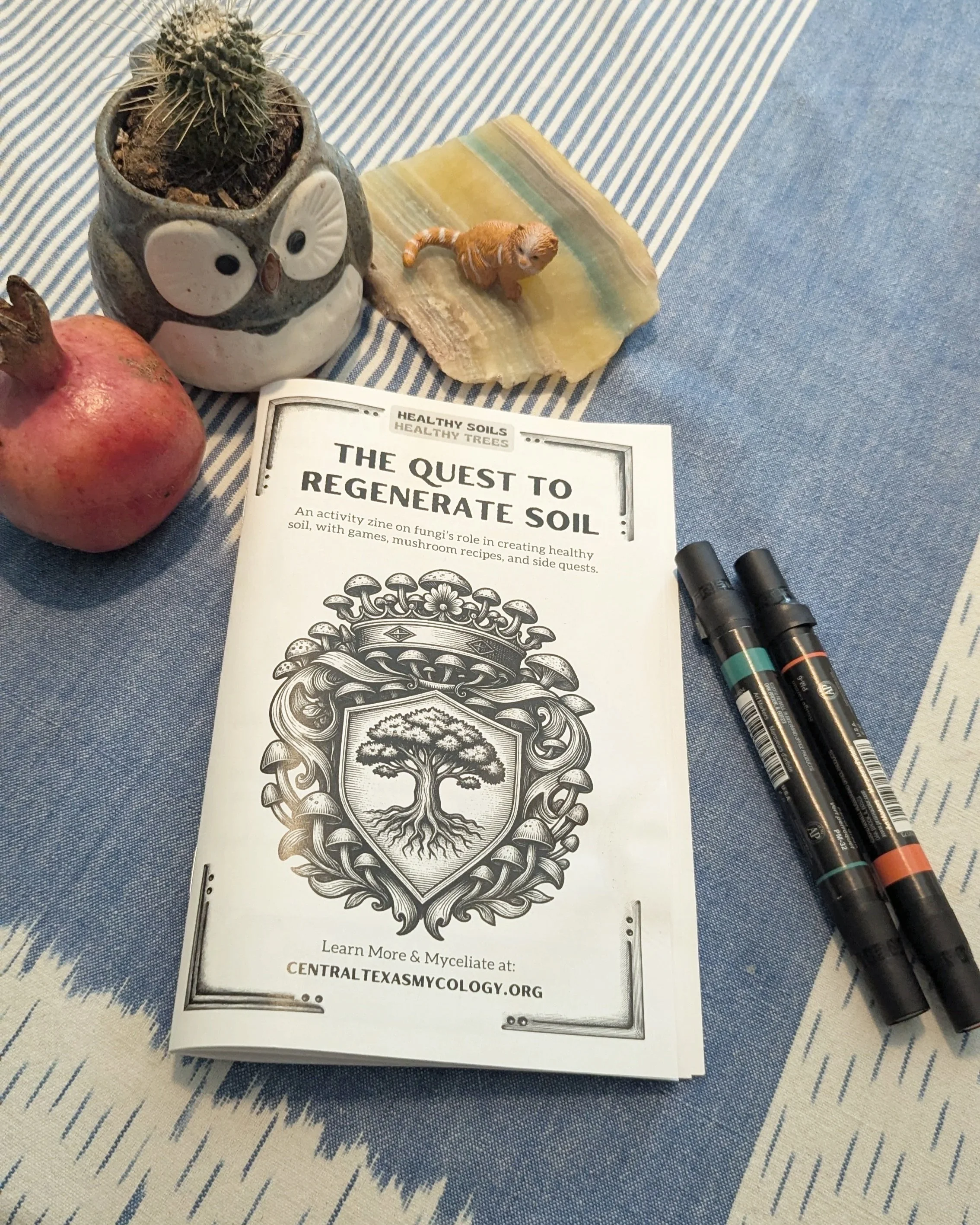
This isn't just a zine—it's a mission. Students become agents of regeneration as they complete six hands-on "quests" that connect them to the soil beneath their feet. From transforming "Smokestack City" into "Cap and Stem Village" to turning "Trash Mountains" into "Fruiting Body Peaks," each quest tackles a real-world environmental challenge with a fun, doable action.
Topics covered include:
Carbon cycles and diversity loss
Composting and waste diversion
Wildflower planting and pollinator health
Mushroom blocks as soil amendment
Community science with iNaturalist
Local food systems and farmers markets
Why Teachers Love It
Print-and-go: 24 pages, ready to print as a saddle-stitched booklet. Final size is 5.5" x 8.5"—perfect for student backpacks.
Cross-curricular: Science, environmental literacy, art, and even cooking (yes, there are mushroom recipes!).
Hands-on, not just handouts: These are real activities students can do at school, at home, or in their communities.
Visual and interactive: Bold illustrations beg to be colored in. Each quest has a space to place a mushroom sticker when completed—giving students a tangible sense of accomplishment.
Flexible use: Great for Earth Day, science units, after-school programs, garden clubs, or independent study.
What's Included
1 full-color activity zine (24 pages, 5.5" x 8.5")
Recommended Ages
Best for ages 8–14, but honestly? We've seen grandparents, college students, and grown-up gardeners get just as into it. If you care about soil, you're the right age.
Printing Guide
Method 1: The Copy Shop Method (Easiest)
Do this: Email your 24-page PDF (pages 1–24 in order) to your school's print shop or local copy store.
Write this in the email:
"Please print this as a saddle-stitched booklet on 8.5 x 11 paper. Final size should be 5.5 x 8.5. I need X copies."
That's it. They do all the work. Pick it up when it's ready.
Method 2: The Copier Method (If You Must Print It Yourself)
Step 1: Open your PDF and go to File > Print.
Step 2: Look for a checkbox or dropdown that says "Booklet" or "Brochure." Turn it on.
Step 3: Make sure these settings are correct:
Paper size: 8.5 x 11
2-sided printing: On
Binding: Left
Step 4: Print one test copy on plain paper. Fold it in half. If page 1 is on the front cover and page 24 is on the back cover, print the rest.